Get Set For Sale: Apple Watches
Written by: Sam Wilson
Jump To What Most Interests You
- Get Set For Sale: Apple Watches
- Why it’s important to reset and unpair your Apple Watch before sale
- How To Fully Reset and Unpair Your Apple Watch With Your iPhone
- Sell Apple Watch
Ultra - Sell Apple Watch
Series 9 - Sell Apple Watch
Series 8 - Sell Apple Watch
Series 10 - How To Fully Reset Your Apple Watch Via iCloud
- Sell iPhone
- Sell Apple Watch
- Sell iPad
- Sell Your Console
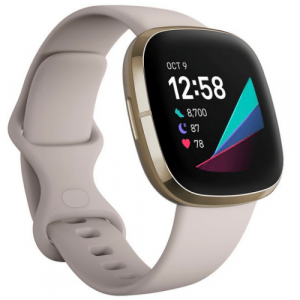
If you’re looking to sell your Apple Watch, then it’s important that you reset it properly. What that means is that you’ll want to make sure that you remove all your saved information AND disconnect it from your Apple ID so the new owner can use it.
Why it’s important to reset and unpair your Apple Watch before sale
1) It keeps your data safe
By removing the information AND your Apple ID, what you’re doing is removing any trace that the watch was ever yours, all personal information will be deleted from the device and it’ll also remove it from your Apple iCloud account.
This process is often referred to as “factory resetting” the device, and it is a common way to prepare a device for sale or transfer to a new owner.
2) So whoever you sell it to can use it
If you simply erase all content and settings from your Apple Watch, you would assume that’s it done right? Wrong.
You might have removed all of the information and data but it’ll still be linked to your iCloud account.
You may have heard the phrase ‘iCloud locked’ or ‘Activation Locked’ before and what this means is simply that the watch has been erased, however it’s still connected to someone else’s iCloud account.
How To Fully Reset and Unpair Your Apple Watch With Your iPhone
Getting your Apple Watch set for sale is really straight-forward, but you need to know the key difference between Resetting and Unpairing your Apple Watch.
Resetting Your Apple Watch
Removes all your content, it’ll be like new, but it’ll still be linked to your Apple iCloud account.
Unpairing Your Apple Watch
This will remove your content and reset it to factory settings. It should also unpair it from your iCloud account
How to Unpair your watch using your iPhone
Step 1: Make sure your iPhone and Apple Watch are near each other
Step 2: Open the Watch App on your iPhone
Step 3: Click the Apple Watch you want to unpair and tap the ‘i’ icon with a circle around it

Step 5 – Tap “Unpair Apple Watch” and confirm you really want to do it. If you have a cellular model, you will also need to choose whether you want to keep or cancel your cellular plan.

Step 6 – When prompted, enter your Apple ID and password to start. Make sure you keep your iPhone nearby to the watch until the process is complete.
Please note: We’ve been made aware of a small number of customers who’ve followed these steps (recommended by Apple) yet their device is still linked with their iCloud account. To avoid this, we recommend that once the unpairing process has been completed, you either; follow the steps outlined below using iCloud, or open the “Find My” app on your iPhone and see if your watch is there. If it isn’t, that’s great, if it is, simply select the watch, then select “Remove This Device”


How To Fully Reset Your Apple Watch Via iCloud
There may be some times when the above isn’t possible. Maybe your watch is broken or you’ve unpaired your watch, but it’s still iCloud locked. This can happen unfortunately but thankfully you can still unpair it from your iCloud account.
- Go to icloud.com
- Log in and visit the Find My page
- Select All Devices and tap on the Apple Watch you want to remove
- Tap the X and a message will pop-up to confirm that you want to remove your Apple Watch from your iCloud account.
- Select Confirm and that’s it – job done.
Get an instant quote on your tech in minutes
About The Author
Sam Wilson
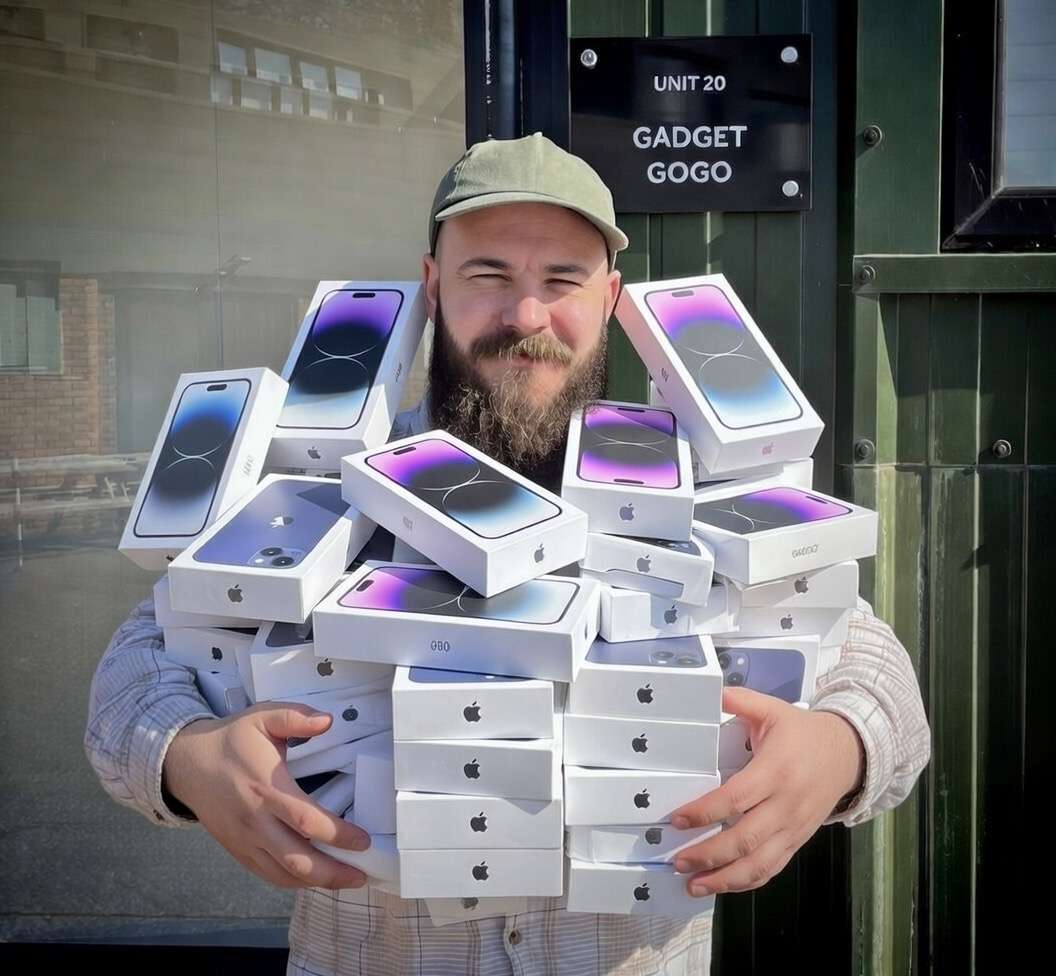
Sam Wilson is the founder of Gadget GoGo and has extensive experience in the UK smartphone resale and consumer electronics market. Over the years, he has worked closely with device valuations, secondary market pricing and trade-in trends, developing a strong understanding of how technology depreciates and what drives resale demand. Sam founded the company with a clear goal: to build the UK’s most trusted and straightforward way to sell your tech.
“We want to set the standard for fairness and clarity in tech resale, so people can make confident decisions backed by real value.”
Sam regularly speaks about tech and has been featured in: The Mirror, The Sun, The Express, LadBible and more.
Jump in and get an instant quote on your old tech!
You might also be interested in



Read more about…
Featured categories
Whatever you’re looking to sell, we can help. Check out our favourite types of gadget.